File format
STL, OBJ, and 3MF are the most common and analyze reliably for auto quotes.
Clean files make auto quotes and production review faster. This guide covers the most common misses when preparing STL, OBJ, 3MF, and STEP files.
Quick answer
STL, OBJ, 3MF and PLY files get an instant quote, and STEP/STP files are converted automatically. Before uploading, check that units are millimetres, the size is what you intend, walls aren’t too thin and the mesh is closed with no flipped faces — and leave clearance for parts that must fit together.
By Seo Jeongju, CEO of WOW3DLast updated First published
STL, OBJ, and 3MF are the most common and analyze reliably for auto quotes.
Thin walls, open meshes, and flipped normals often cause print failures.
Tell us if it is for looks or a functional part—process and lead-time guidance get more accurate.
Without STL or STEP you can still generate an AI 3D model from a product photo (JPG/PNG) and continue to quote and order. Great for shape checks and prototypes; for tight assembly or dimensional tolerances, prefer CAD upload or a modeling request.
STL, OBJ, 3MF, and PLY support instant auto quotes. STEP/STP convert on upload. STL is most common for geometry alone; OBJ or 3MF help when color or metadata matters.
Often the mesh is not closed, faces are flipped, or walls are too thin for printing. Looking fine visually does not guarantee printability.
Yes. STEP/STP convert on upload for quoting. If conversion is hard or geometry is complex, also prepare STL or 3MF.
Use photo → AI 3D in auto quote to build an STL from JPG/PNG, then quote and order. For tight tolerances, consider a modeling request.
Real Output
Parts we printed in-house on FDM, SLA and DLP machines. See more in the print gallery.
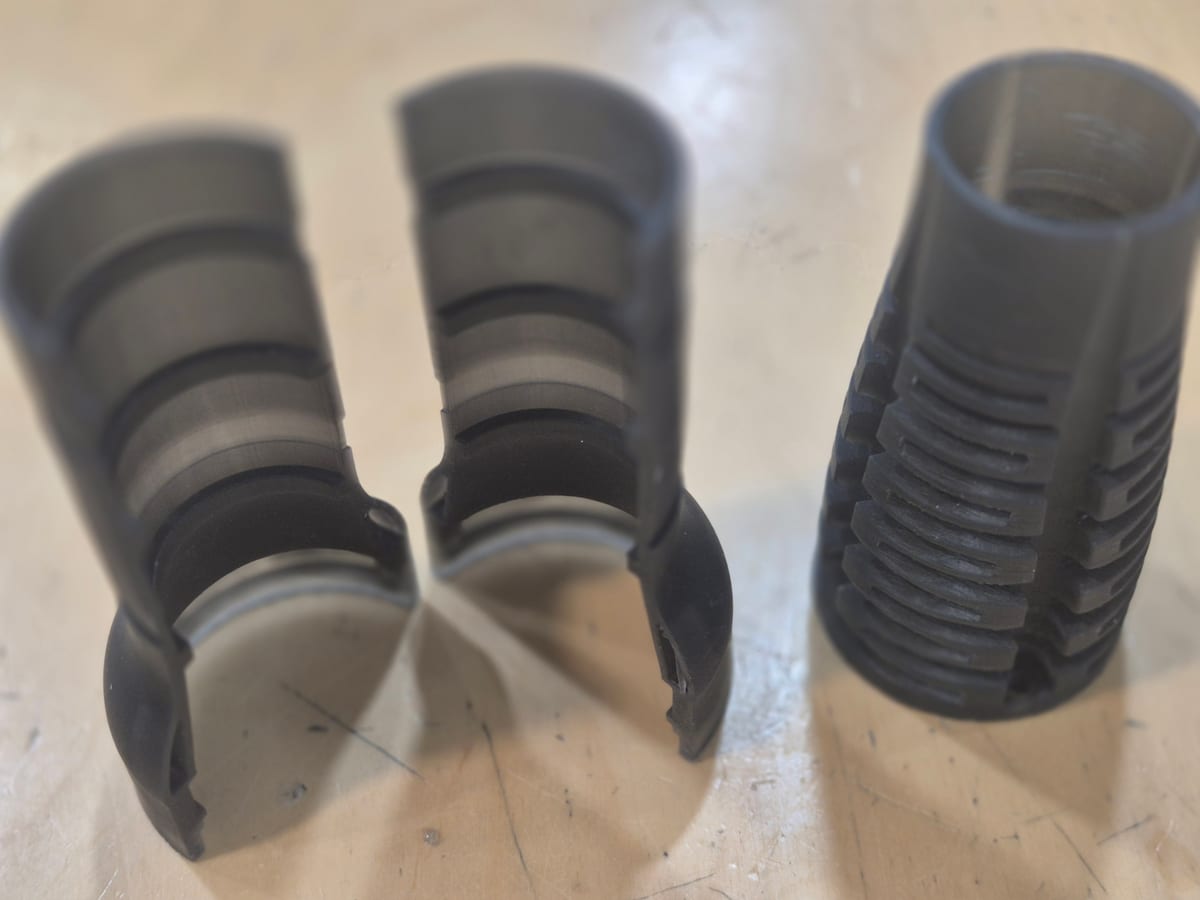
Flexible resin mechanism
DLP · Flexible resin
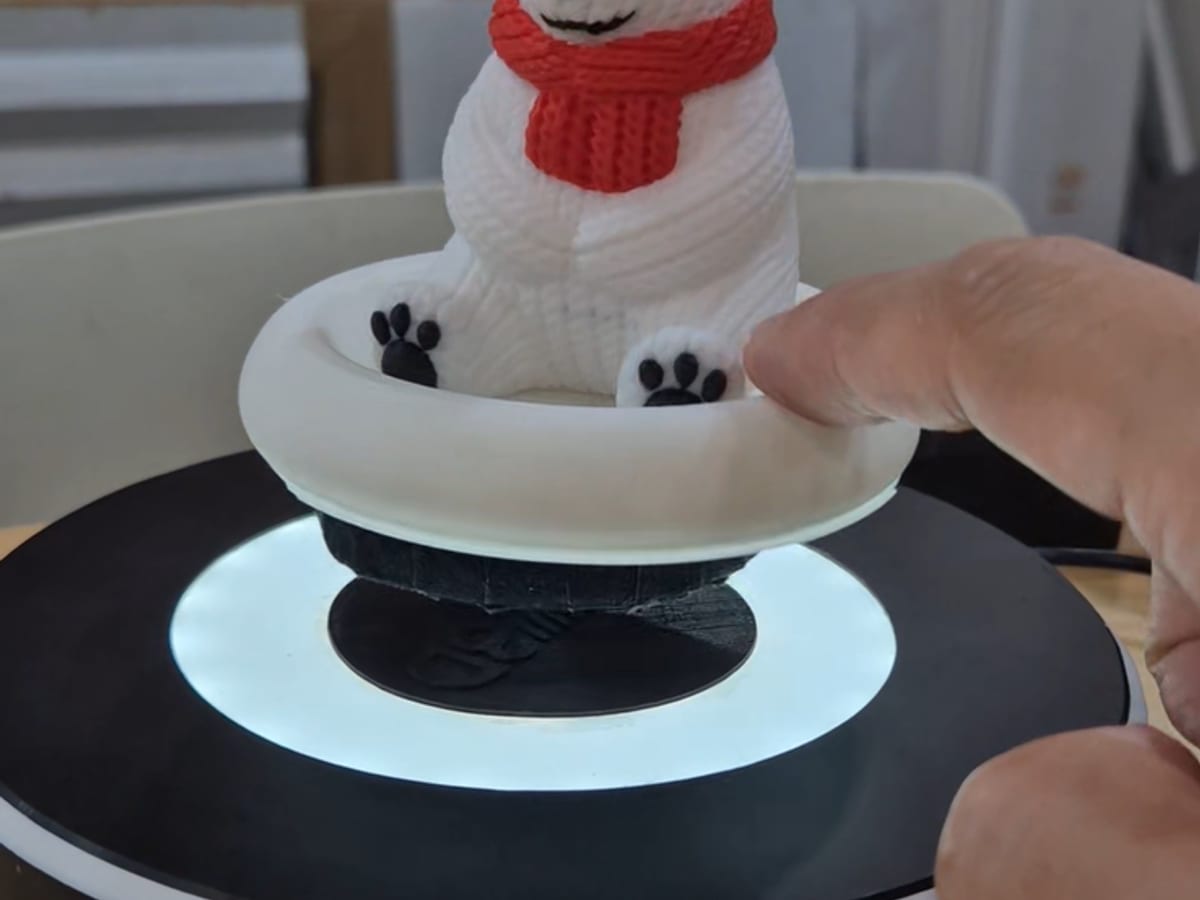
Magnetic levitation stand
FDM · PLA
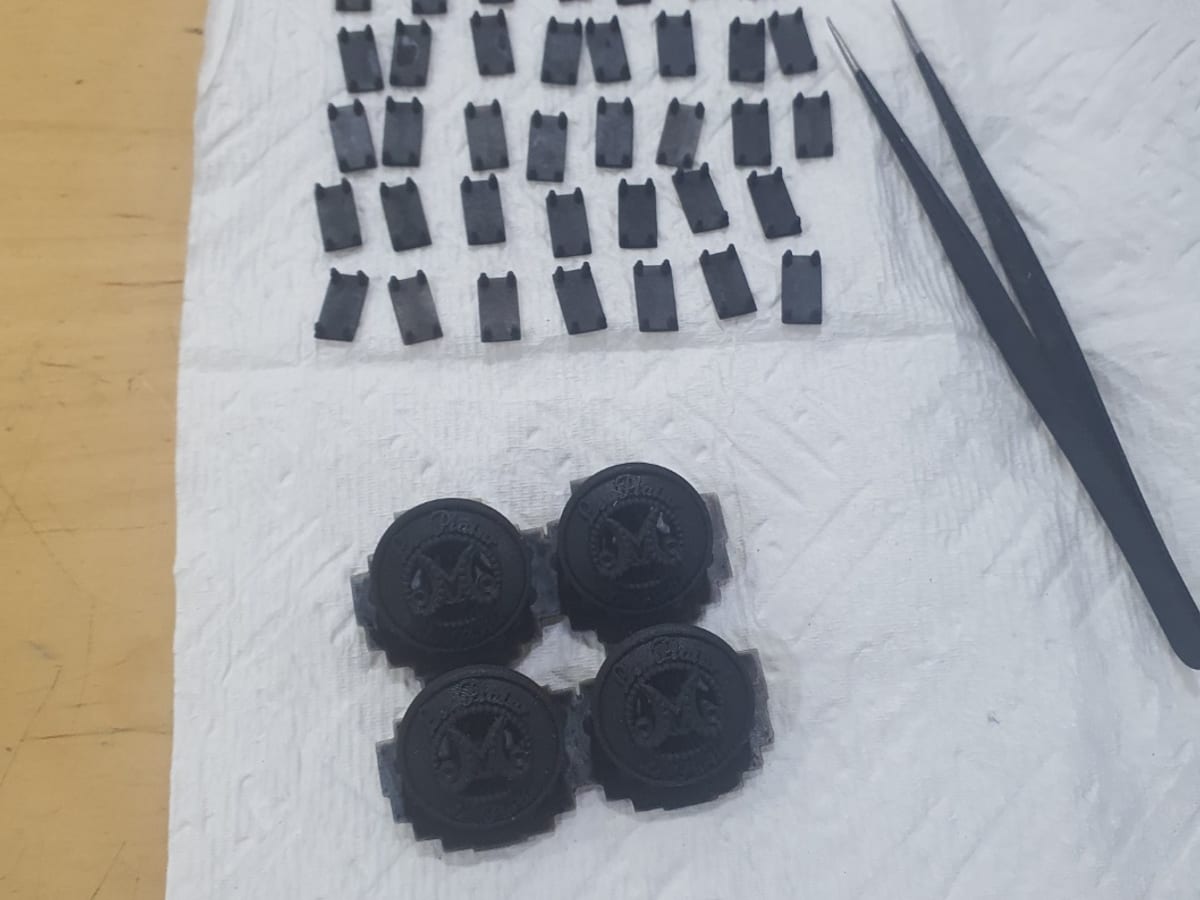
Garment buttons and jig
DLP · Black resin
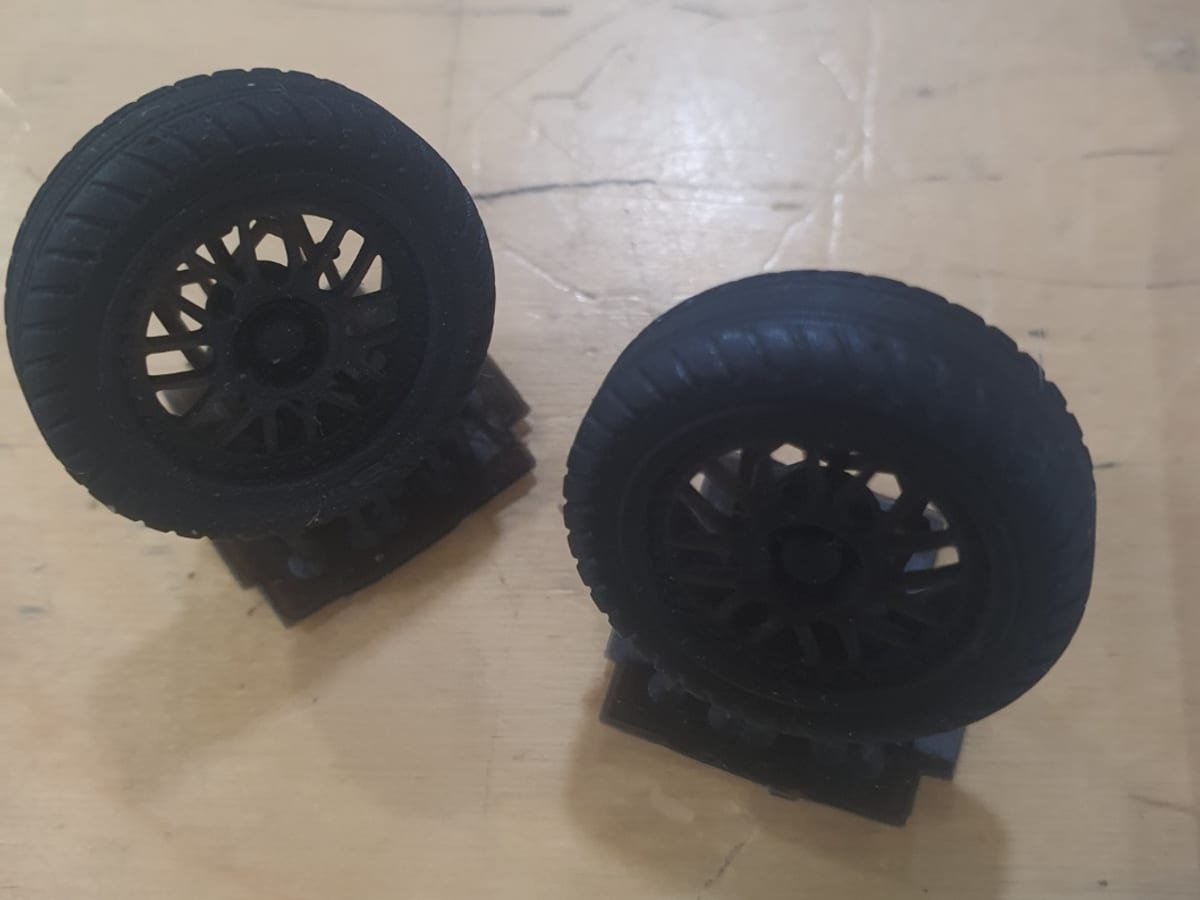
Scale model car tires
DLP · Flexible resin