What is infill?
It is how densely the inside of a part is filled. Higher means more material, time, and strength; lower means lighter and cheaper.
Infill
How infill affects strength, weight, price, and print time — with starting ranges by use case.
Quick answer
Start with 10–20% infill for visual mock-ups, 20–40% for general prototypes and 40–80% for functional or load-bearing parts. Higher infill adds strength but also material cost and print time, and 100% is rarely necessary.
By Seo Jeongju, CEO of WOW3DLast updated First published
It is how densely the inside of a part is filled. Higher means more material, time, and strength; lower means lighter and cheaper.
Start around 10–20% for visual mockups, 20–40% for general prototypes, and 40–80% for loaded functional parts — then test.
Higher infill raises material and machine time together. Change the slider in auto-quote to see the difference instantly.
Real Output
Parts we printed in-house on FDM, SLA and DLP machines. See more in the print gallery.
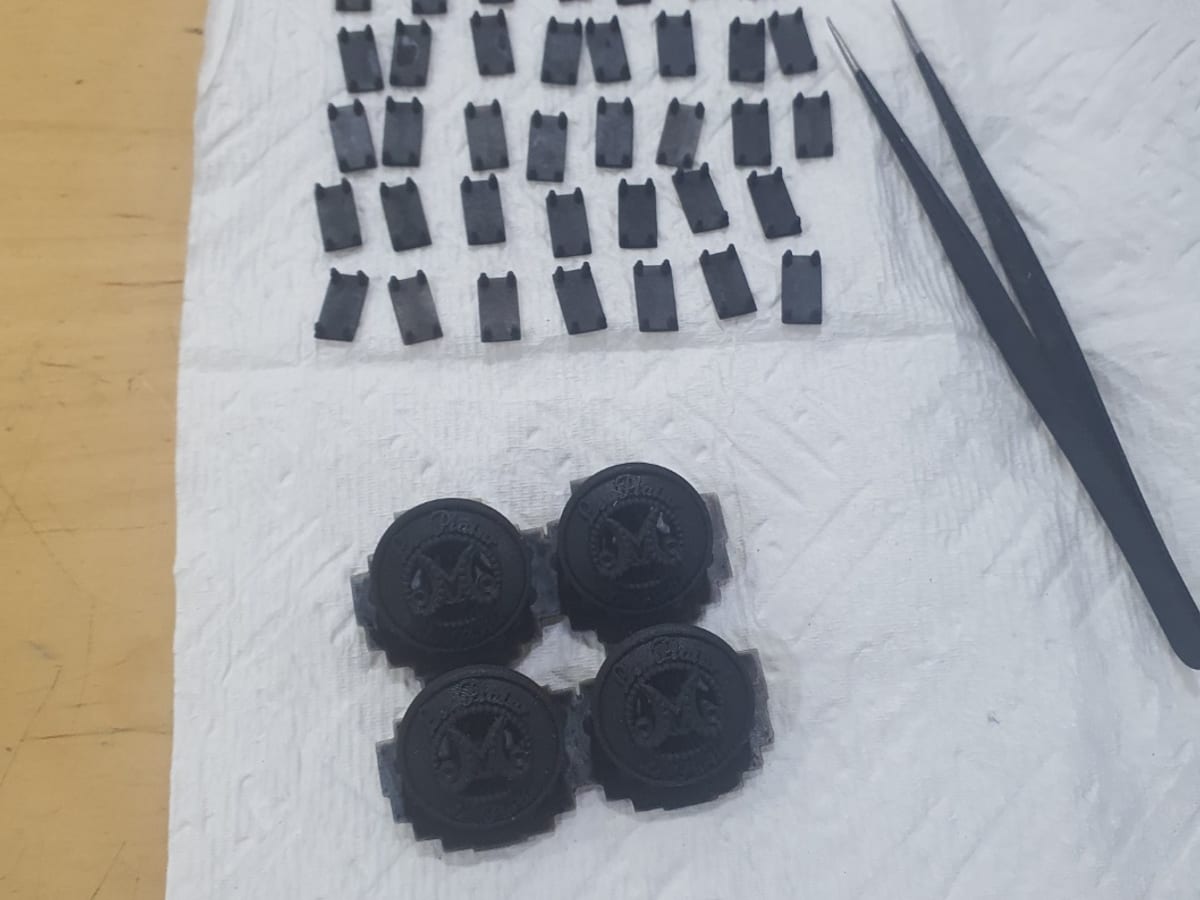
Garment buttons and jig
DLP · Black resin
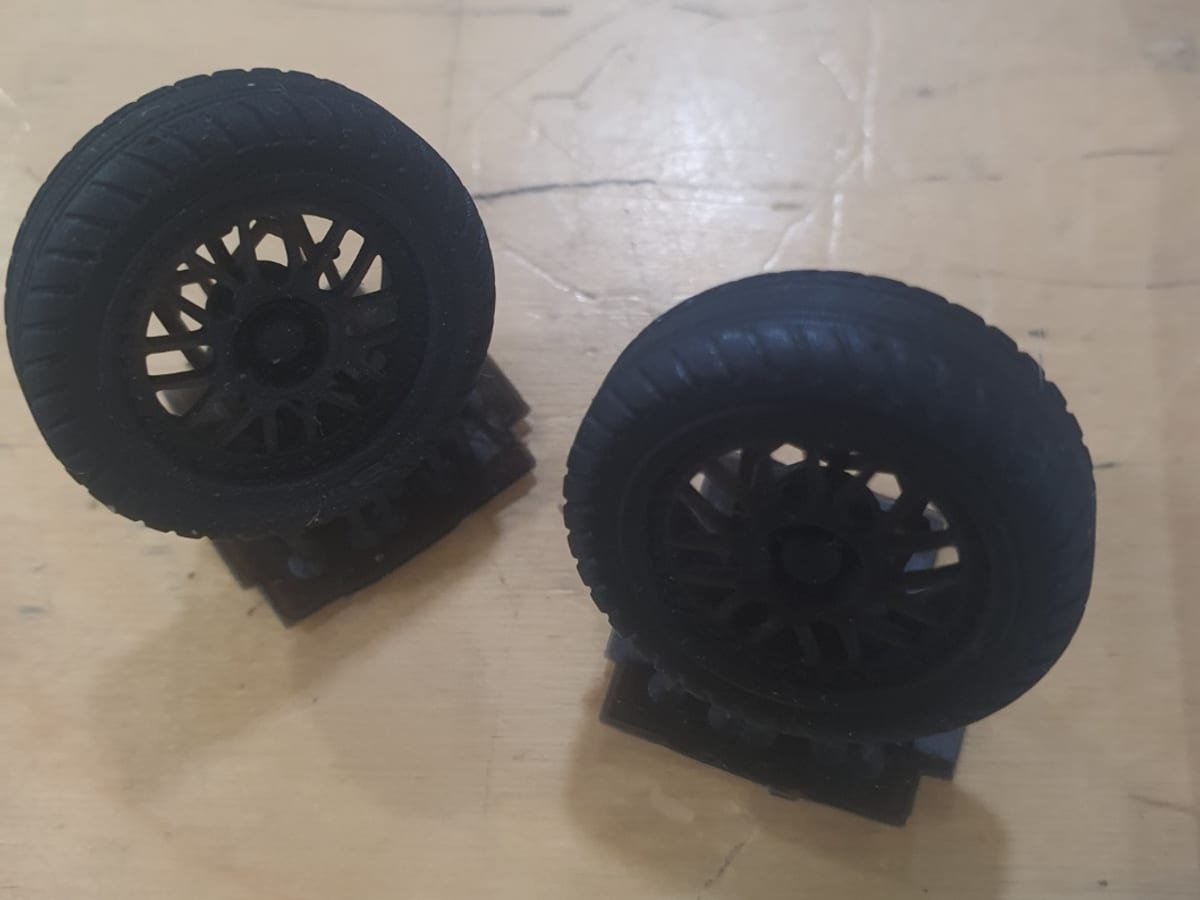
Scale model car tires
DLP · Flexible resin
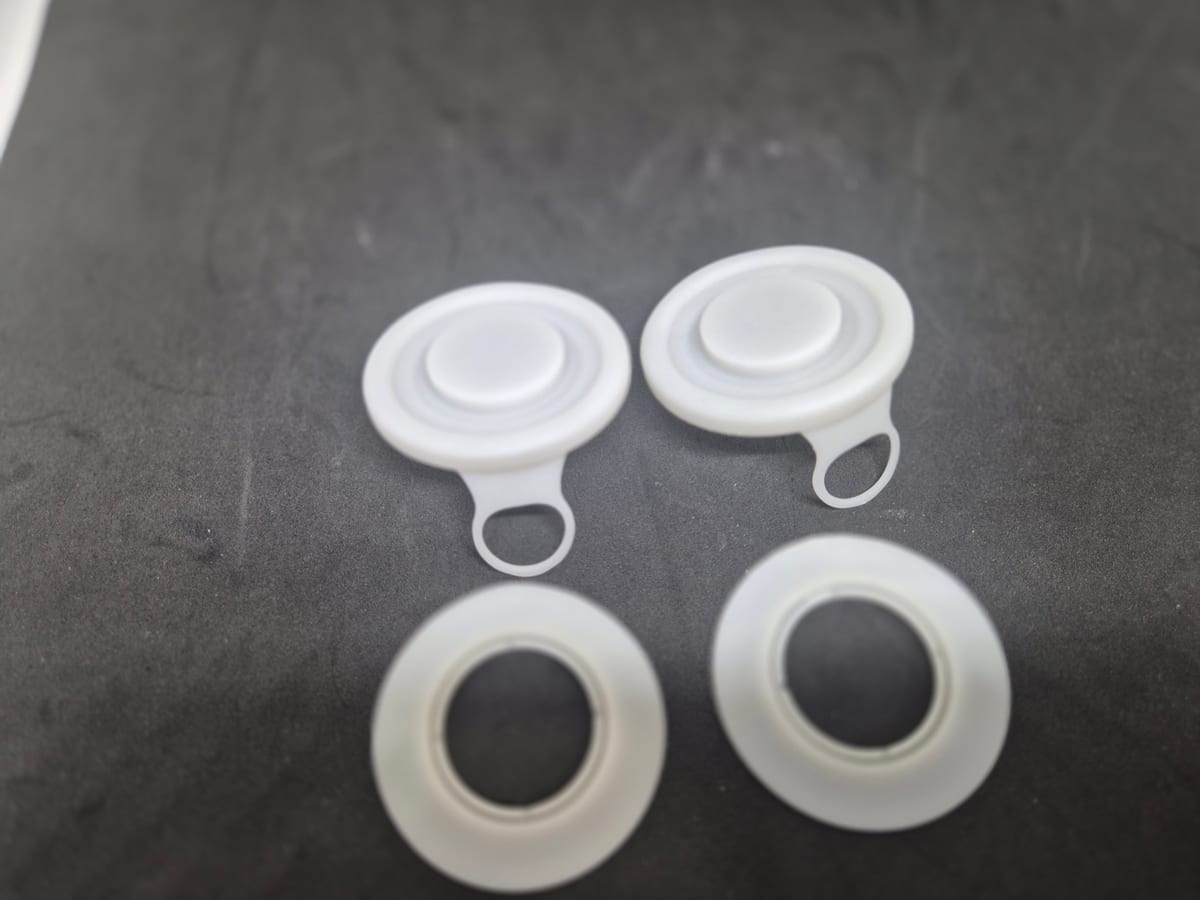
Bottle cap prototype
DLP · White resin
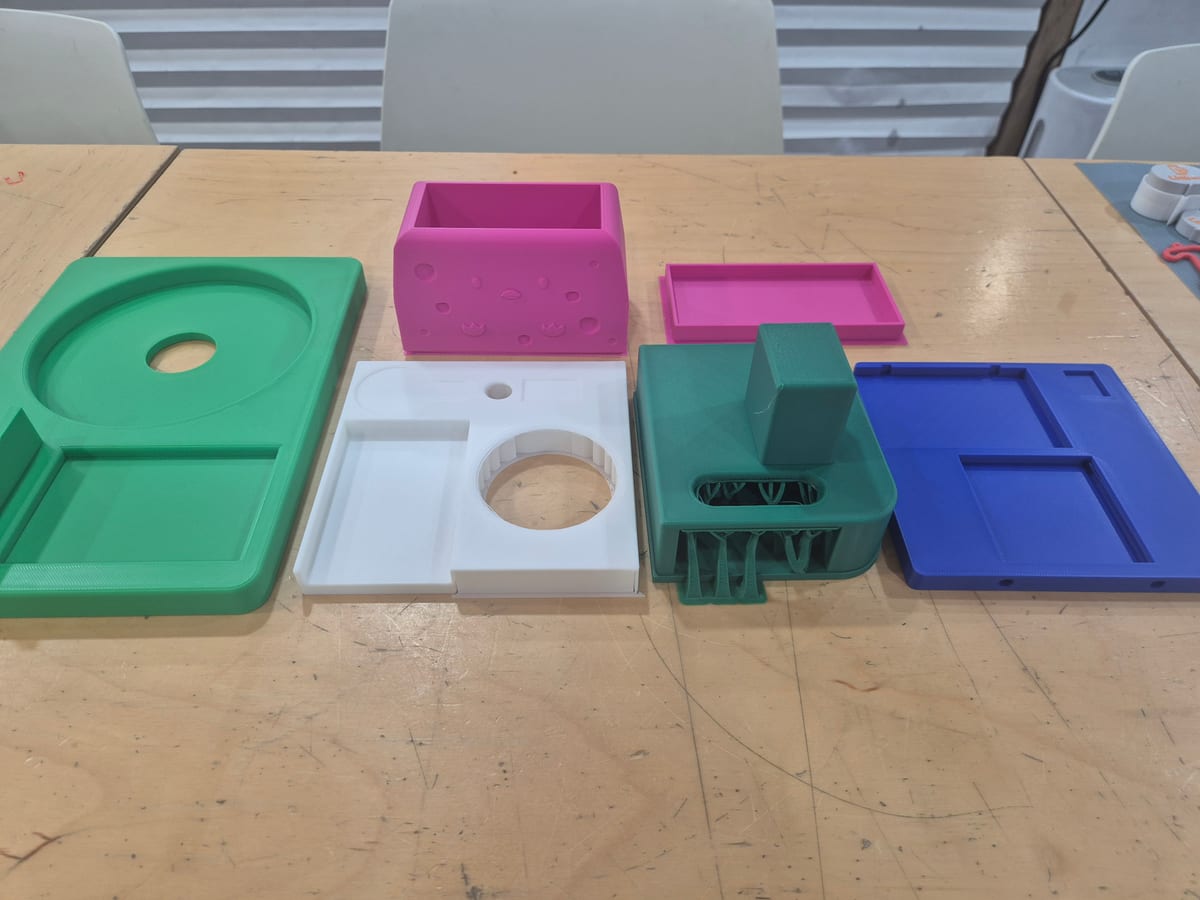
Arduino product enclosure
FDM · PLA
No. Weight, cost, and time jump a lot, and mid-density infill is enough for many uses.
Thin walls limit what infill can do — wall thickness design often matters more.