What are the most common STL errors?
Typical issues: non-manifold holes, flipped normals, overlapping faces, self-intersections, and unit mismatches (mm vs inch).
STL Repair
Check and repair open meshes, flipped normals, bad intersections, and other STL issues before printing.
Quick answer
STL errors — open holes, flipped normals, overlapping faces and unit mismatches — should be fixed before printing so the model is a closed (watertight) solid. Upload to WOW3D’s free STL checker or instant quote and holes, gaps and face orientation are repaired automatically; errors that can’t be fixed automatically are reviewed by our team.
By Seo Jeongju, CEO of WOW3DLast updated First published
Typical issues: non-manifold holes, flipped normals, overlapping faces, self-intersections, and unit mismatches (mm vs inch).
Use a slicer or mesh inspector, such as the free WOW3D STL checker that runs in your browser, and aim for a closed, watertight solid when possible.
In the WOW3D STL checker, "Run auto repair" fills holes, stitches gaps, removes duplicate and internal faces and unifies face orientation in one step, and you can download the repaired STL. STL, OBJ and PLY files uploaded to the auto-quote get the same repair automatically, and you can switch back to quoting the original.
Walls that look fine on screen can still be too thin or unsupported. WOW3D may review and suggest fixes.
Real Output
Parts we printed in-house on FDM, SLA and DLP machines. See more in the print gallery.
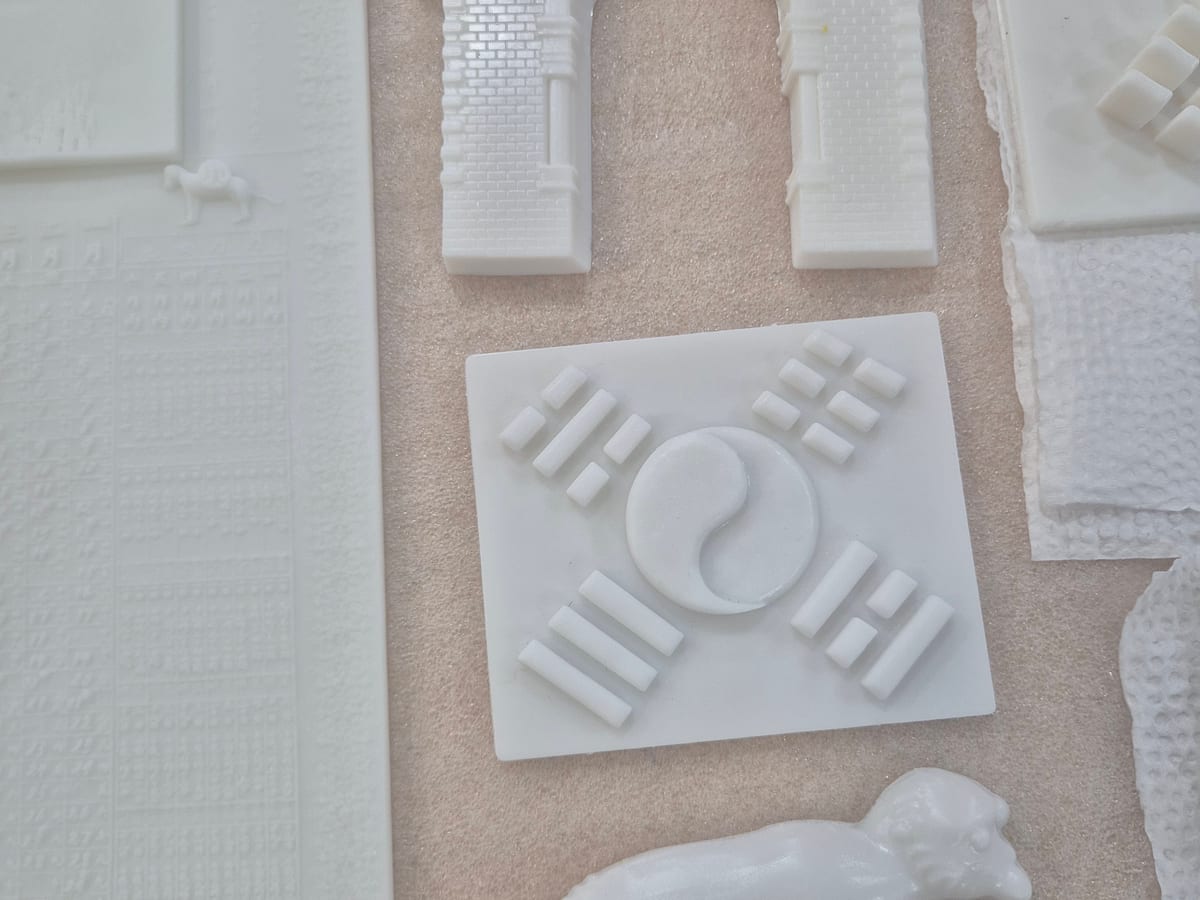
Museum exhibit models
SLA · White resin
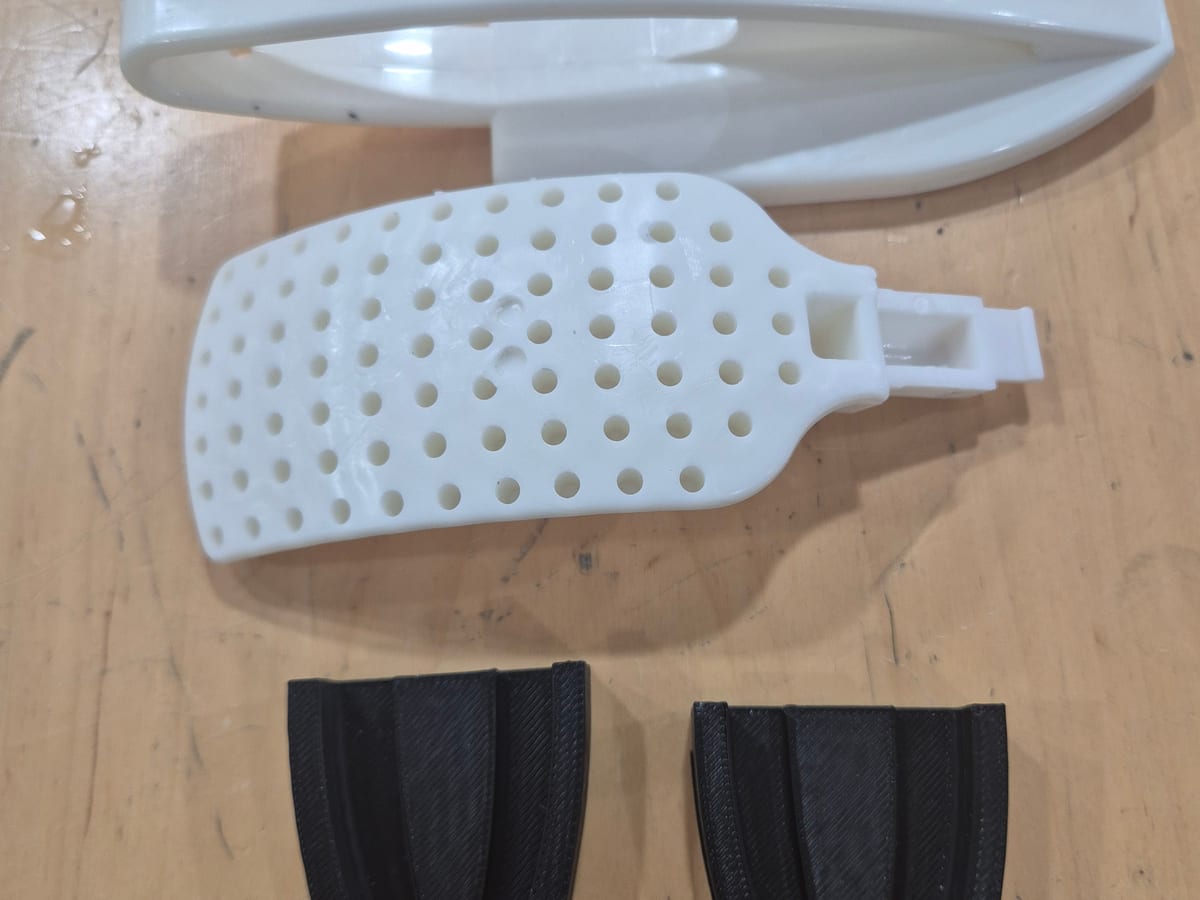
Shoe-brush production jig
FDM · ABS
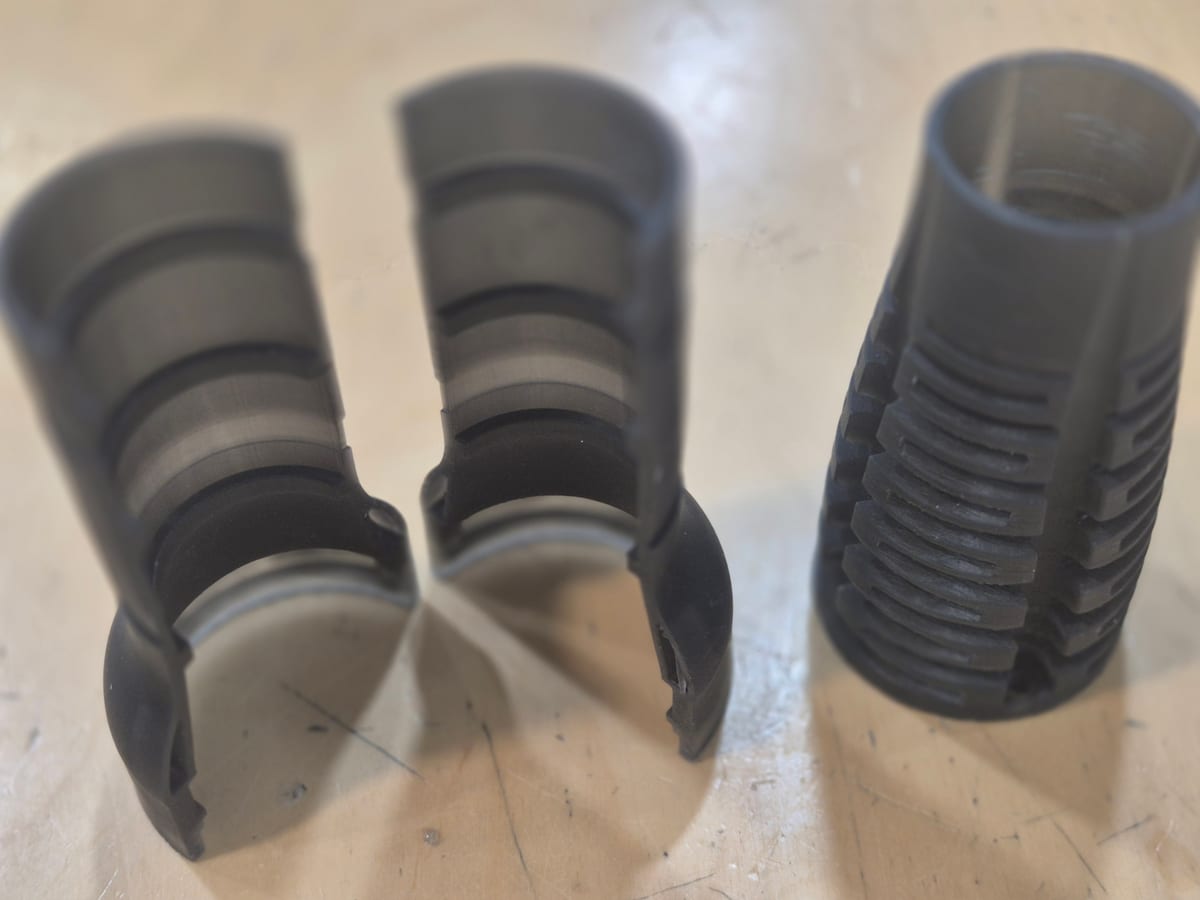
Flexible resin mechanism
DLP · Flexible resin
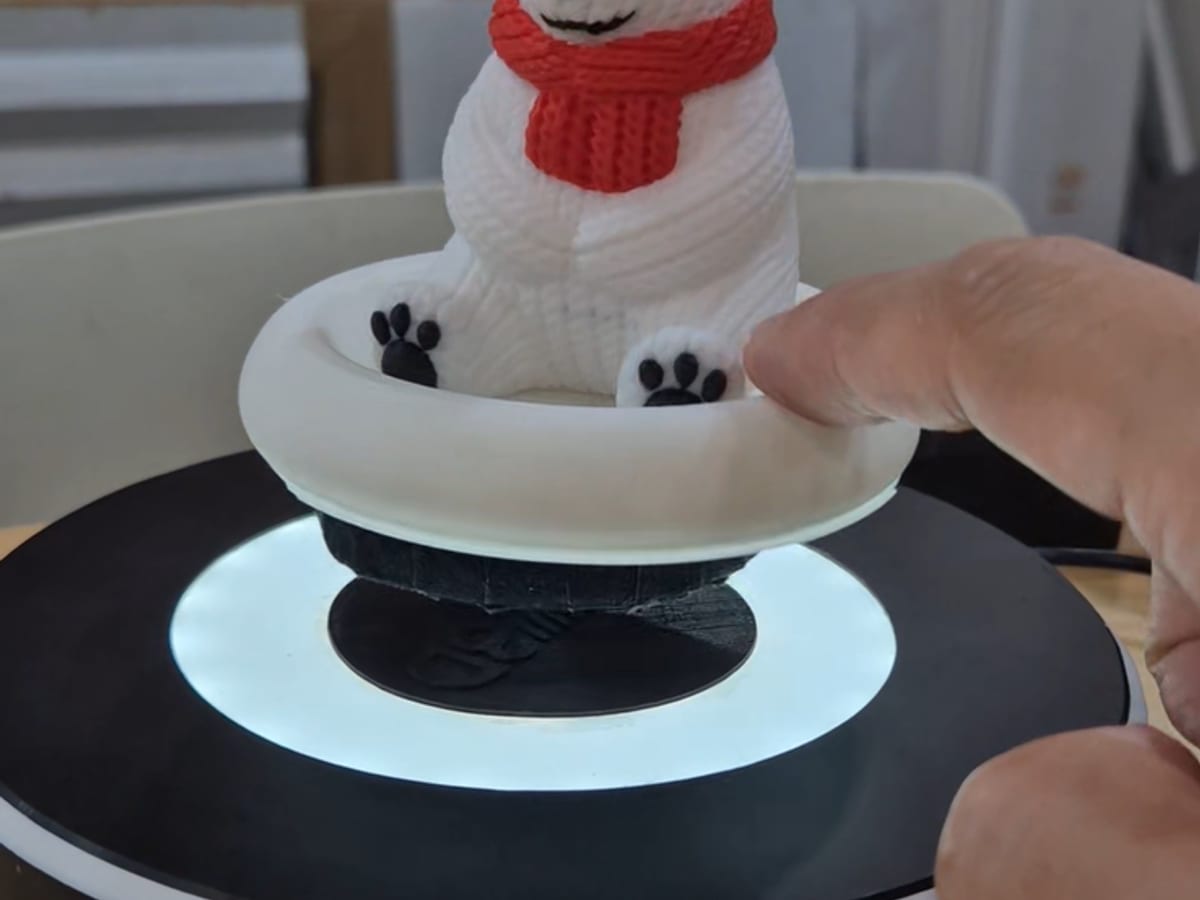
Magnetic levitation stand
FDM · PLA
Yes. The auto-quote repairs holes and gaps automatically, prices the repaired file and lists what was fixed. Errors it cannot fix, such as self-intersections or very large holes, are reviewed by our team, who will suggest how to fix them.
CAD sources are accurate, but mesh conversion can introduce resolution or face issues — check after convert.