Why does wall thickness matter?
Walls that are too thin can fail during printing, finishing, or shipping. Recommended minimums differ by process and material.
Wall Thickness
Practical minimum wall thickness for FDM and SLA, plus tips to avoid collapse and failed prints.
Quick answer
A safe starting point for minimum wall thickness is 1.0–1.5 mm or more for FDM and about 0.6–1.0 mm for small SLA/DLP parts. WOW3D’s instant quote warns and highlights areas thinner than 1 mm (FDM) or 0.6 mm (SLA/DLP); parts under load or assembly should be designed thicker.
By Seo Jeongju, CEO of WOW3DLast updated First published
Walls that are too thin can fail during printing, finishing, or shipping. Recommended minimums differ by process and material.
Often start at 1.0–1.5mm+ for FDM and about 0.6–1.0mm for small SLA/DLP features, then tune to geometry.
Tiny protrusions and lettering below process resolution can smear. Thicken critical details or adjust engraving depth.
When you upload to the WOW3D auto-quote, wall thickness is measured automatically. If a significant area is thinner than 1mm for FDM or 0.6mm for SLA/DLP, you get a warning and the areas are marked in the 3D viewer. Changing the scale or print method recalculates the check, so you can see right away whether scaling up clears it.
Real Output
Parts we printed in-house on FDM, SLA and DLP machines. See more in the print gallery.

Bluetooth speaker housing
FDM · PLA
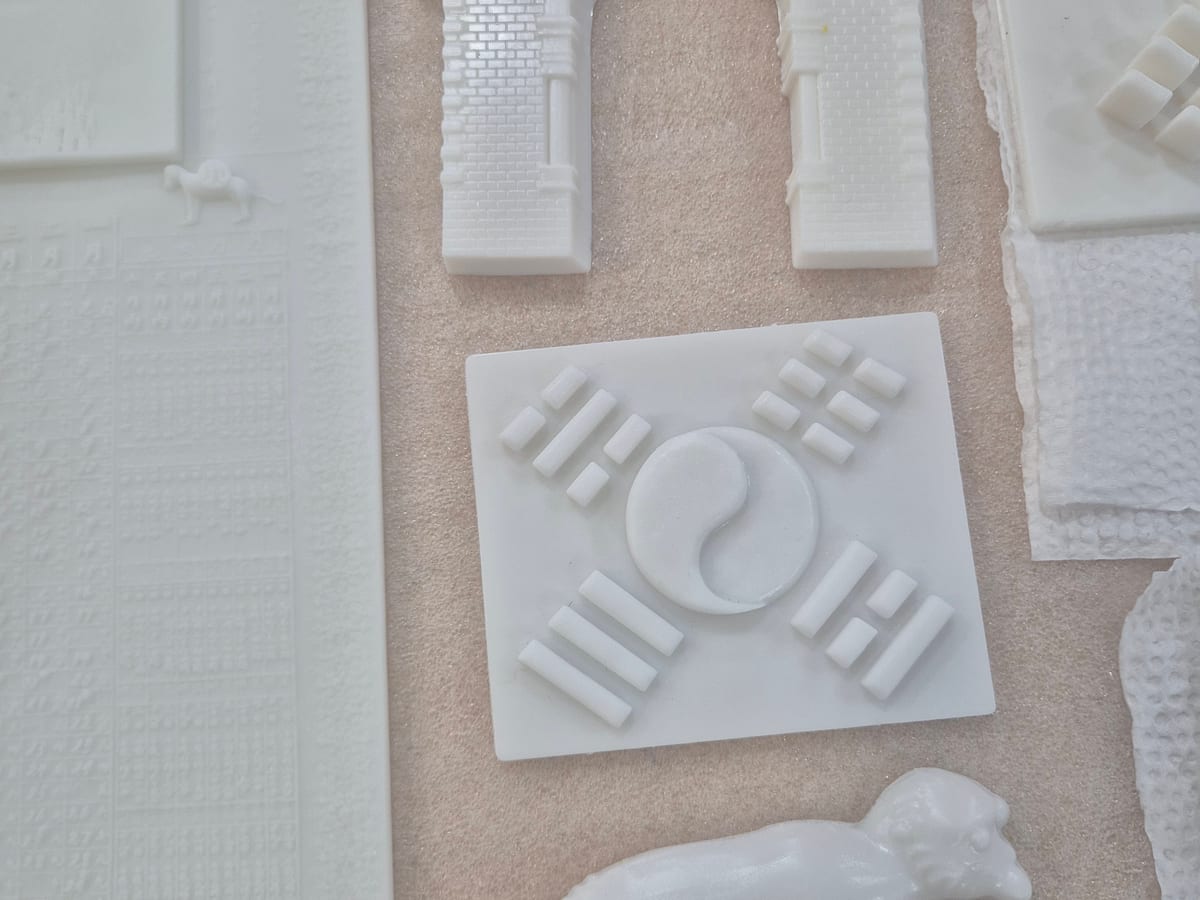
Museum exhibit models
SLA · White resin
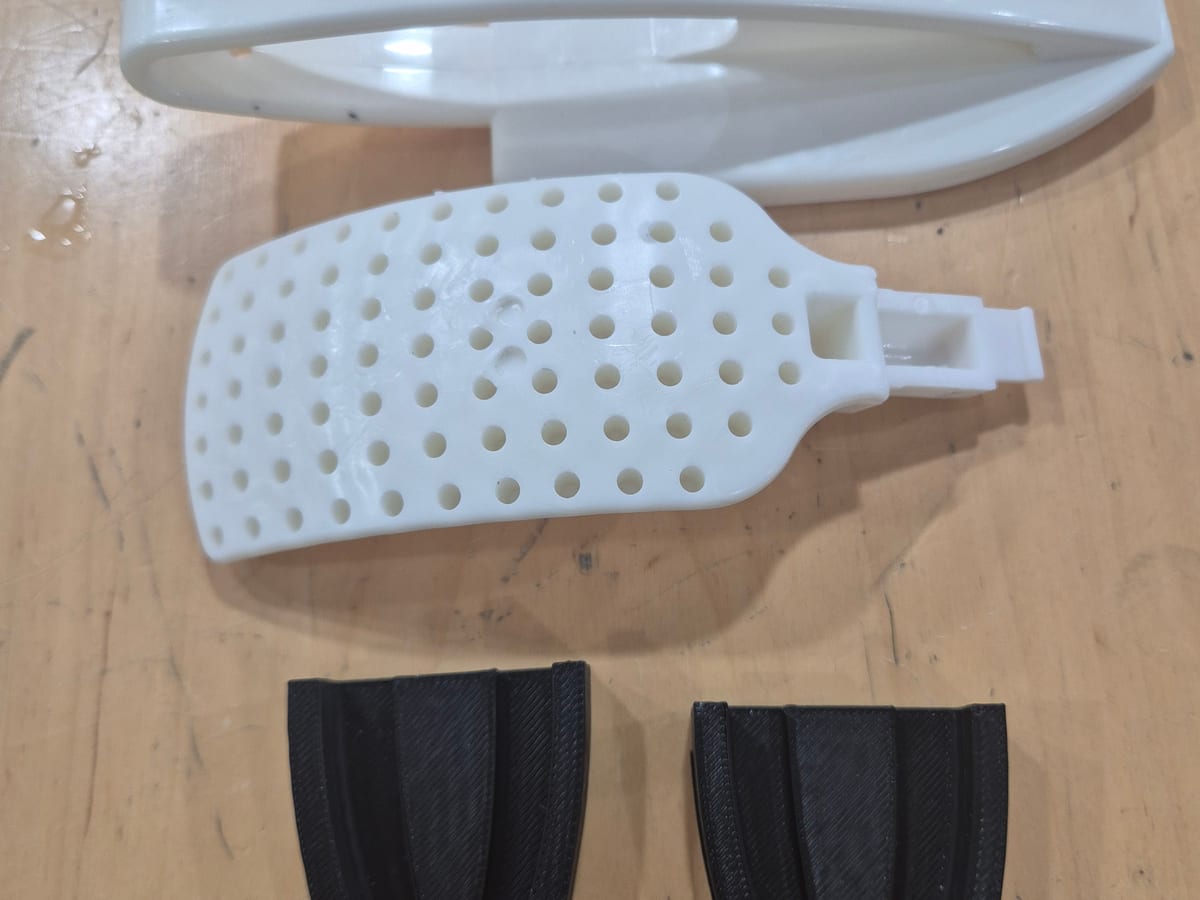
Shoe-brush production jig
FDM · ABS
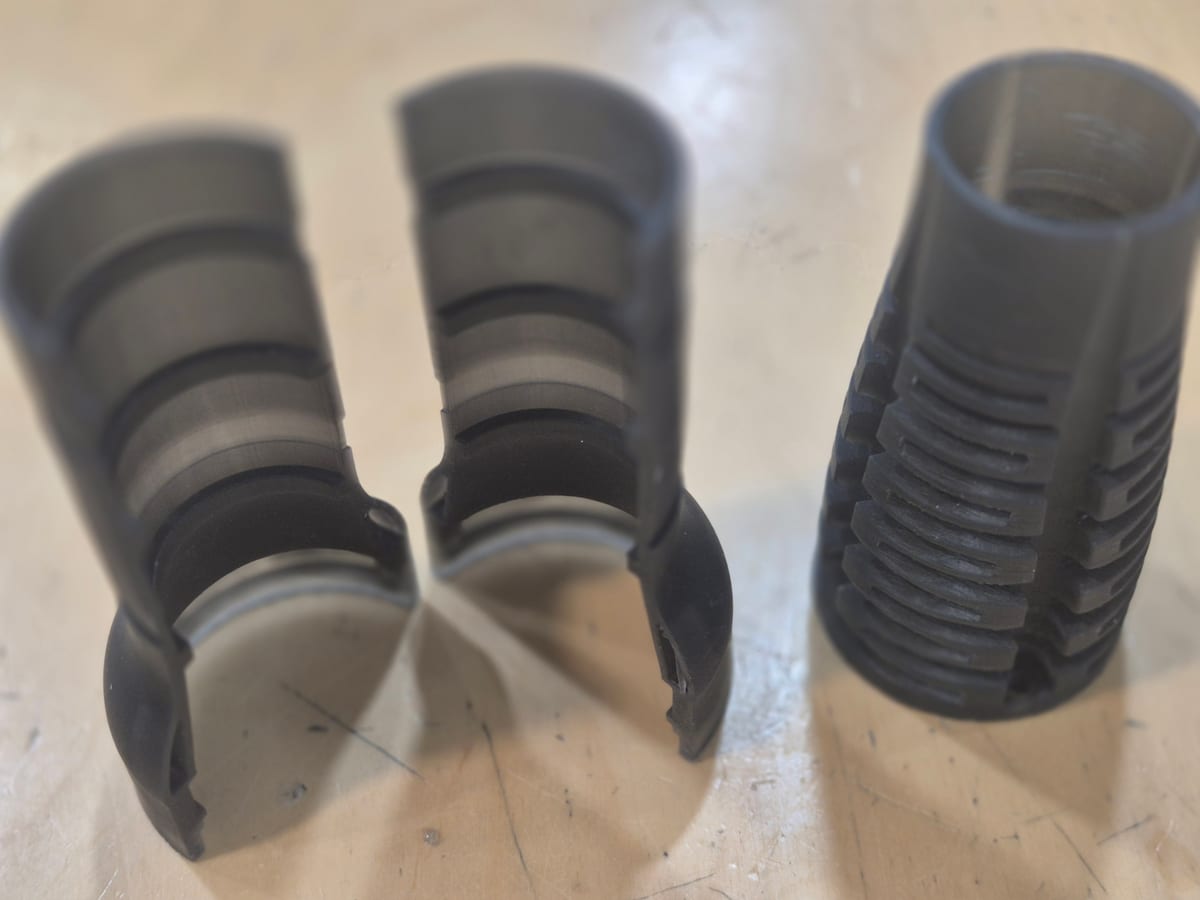
Flexible resin mechanism
DLP · Flexible resin
Yes. Wall thickness is measured on upload, and if much of the surface is below the minimum you get a warning with the thinnest value. Thin walls are not fixed automatically, so thicken them in your design or consider SLA/DLP.
Minimums are starting points. Add thickness for loads, assembly, and post-processing.
Clear resin optics change with thickness — tune for visual goals as well as strength.