Open the tool
Name Tag Studio is the default on /maker. Switch to AI 3D Maker when you need a logo or sketch extrusion.
Name Tag Guide
How to pick text, fonts, plate shape and holes in Name Tag Studio, clear thin-stroke warnings, then save STL or continue to a live quote.
Quick answer
In Name Tag Studio (/maker), pick text, fonts, plate shape and holes; thin strokes under 0.8 mm are checked before you save STL or continue to a live quote. Use AI 3D Maker for logo/sketch extrusion and photo → AI 3D quote for solid meshes from product photos.
By Seo Jeongju, CEO of WOW3DLast updated
Name Tag Studio is the default on /maker. Switch to AI 3D Maker when you need a logo or sketch extrusion.
Set font, size, alignment and letter spacing per line. Bold recommended fonts print more reliably than thin scripts.
Choose rounded rectangle, capsule, circle, letter outline and hole placement, plus emboss or engrave. Preview colours are for design only; pick print colour with the material at quote time.
Warnings appear for strokes under 0.8 mm or text outside the plate. Fix with a bolder font or larger plate before requesting a quote.
Save STL or request a quote to load the model into the live quote, then pick material and options. After confirmation, typical receipt is about 3–7 days.
Real Output
Parts we printed in-house on FDM, SLA and DLP machines. See more in the print gallery.
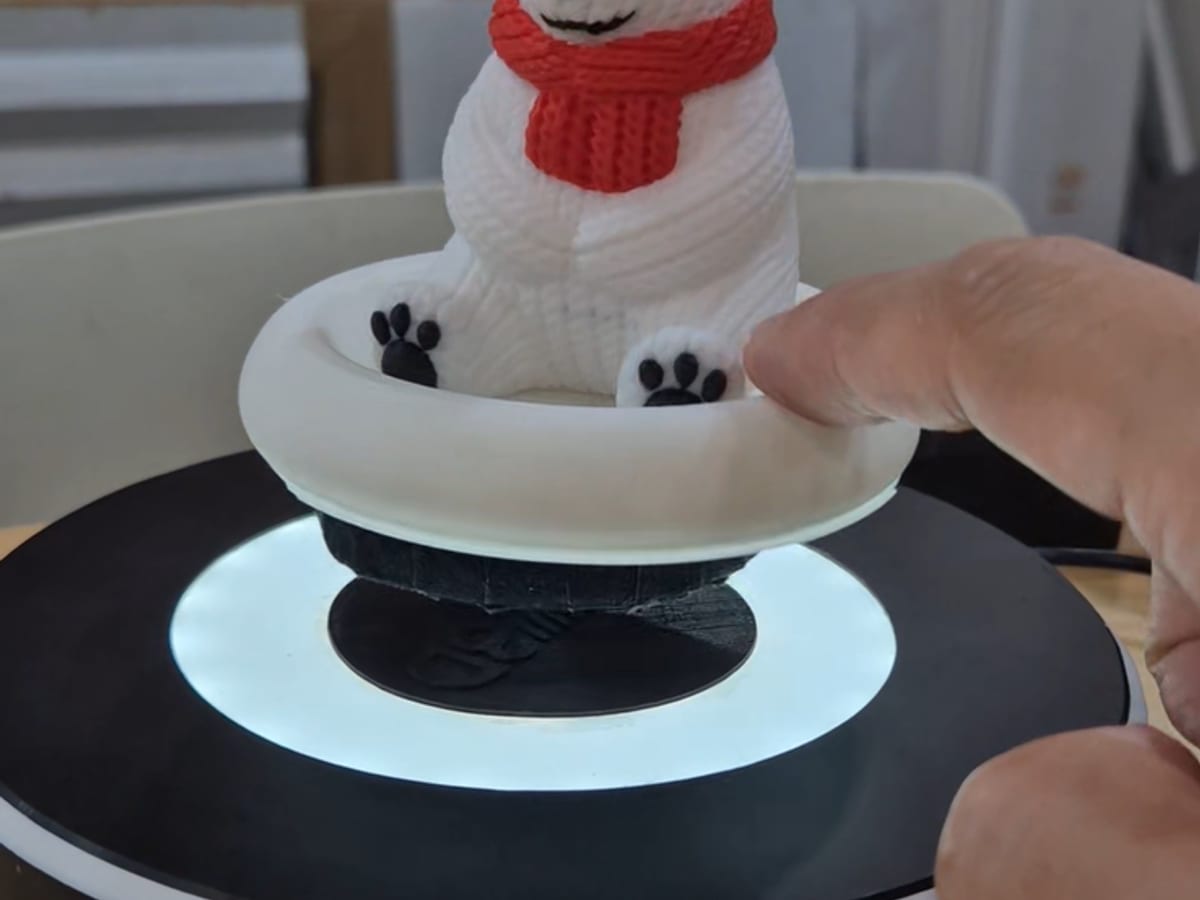
Magnetic levitation stand
FDM · PLA
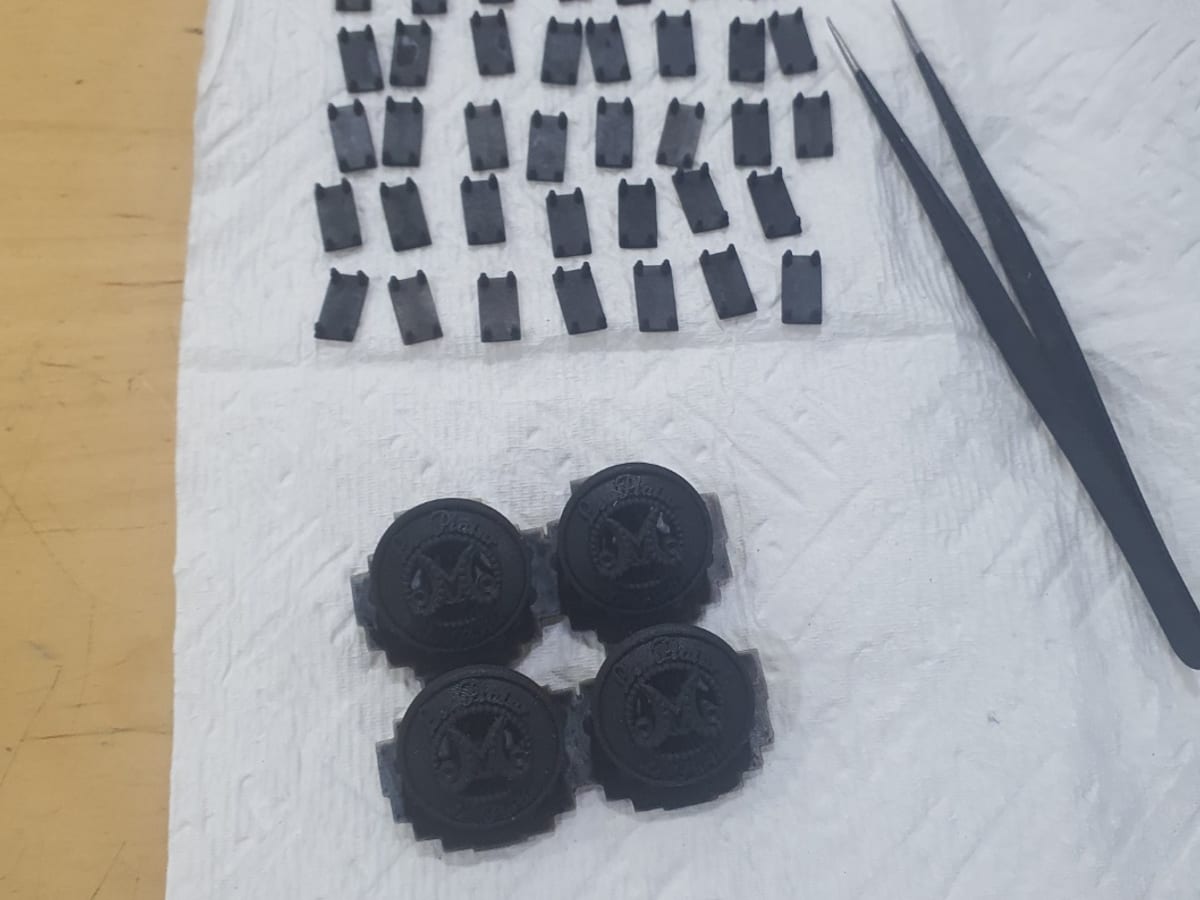
Garment buttons and jig
DLP · Black resin
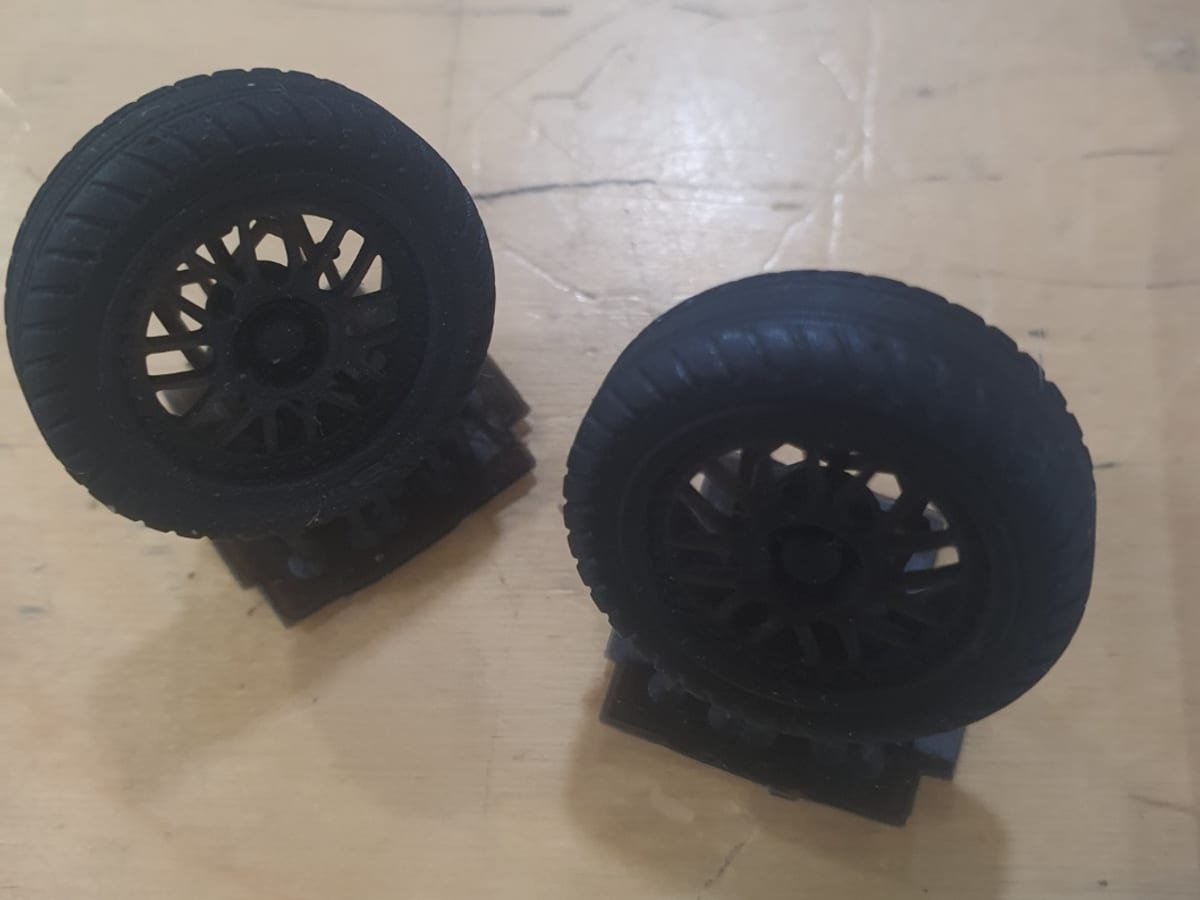
Scale model car tires
DLP · Flexible resin
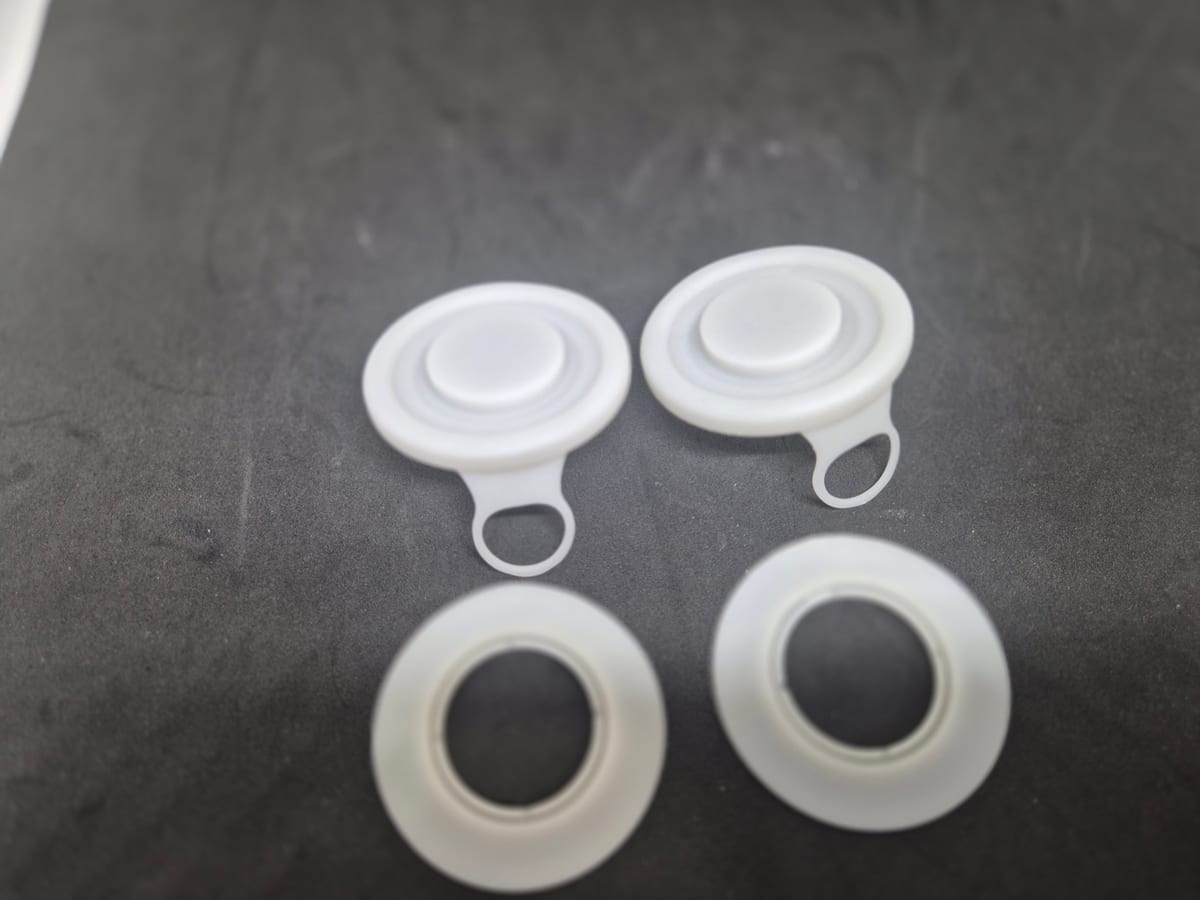
Bottle cap prototype
DLP · White resin
Use Name Tag Studio for text-first tags and badges; use AI 3D Maker for logo and sketch silhouette extrusion.
Preview plate and text colours are for design review. Print colour is chosen with the material at quote time; two-colour prints need a consultation.