Dimensioned parts
Text → AI CAD · Text · mm
Best for brackets, flanges and cases you can describe with dimensions.
- Ease of start
- Dimensional accuracy
- Organic form
Text to CAD
Describe brackets, flanges and spacers with dimensions in text — AI designs a CAD model (STEP and STL), then continues to WOW3D instant quote and print ordering.
Brackets, flanges, spacers you can describe in mm.
Design STEP/STL and continue to quoting.
Slider-only re-runs do not use a free run.
Send the finished model to auto-quote.
Process
Describe the part in AI CAD Studio — STEP/STL is created, then “Send to quote” continues to auto-quote.
Start here · Make it from text
STEP 1
Write shape, dimensions and holes in mm. Sample chips work too.
Output
Dimension text
STEP 2
In about 20–40 seconds the model and overall size (mm) appear.
Output
STEP · STL
STEP 3
Apply parameters (no run used) or ask the AI for an edit.
Output
Version history
STEP 4
Pick process, material and colour for an instant price.
Output
Print order
Which Path
Dimension text → AI CAD; product photos → photo 3D; logos → Maker; drawings/tolerances → modeling.
Best for brackets, flanges and cases you can describe with dimensions.
Builds curved meshes from product or figure photos.
Strict assembly tolerances are safer with specialist modeling.
Bars show general tendencies; results vary with the part and input quality.
Real Output
Parts we printed in-house on FDM, SLA and DLP machines. See more in the print gallery.
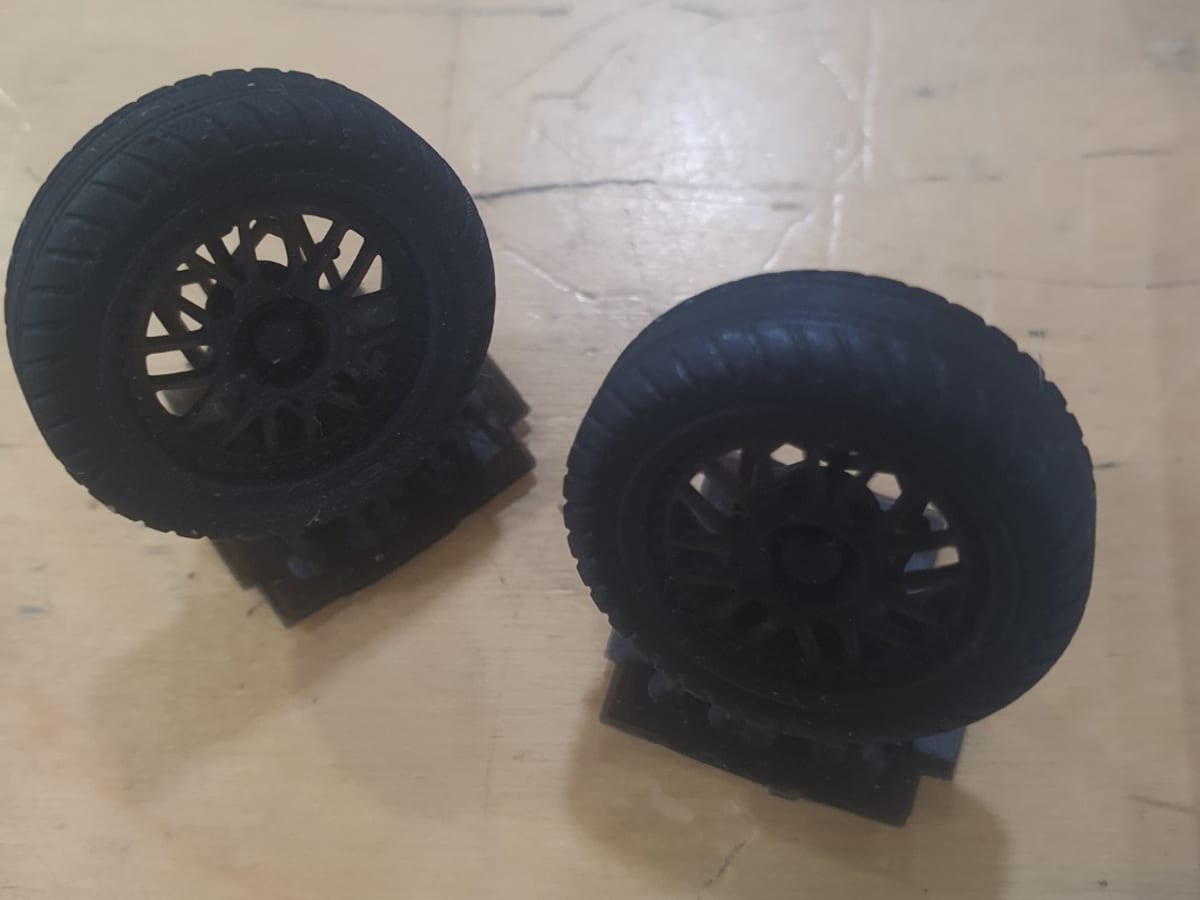
Scale model car tires
DLP · Flexible resin
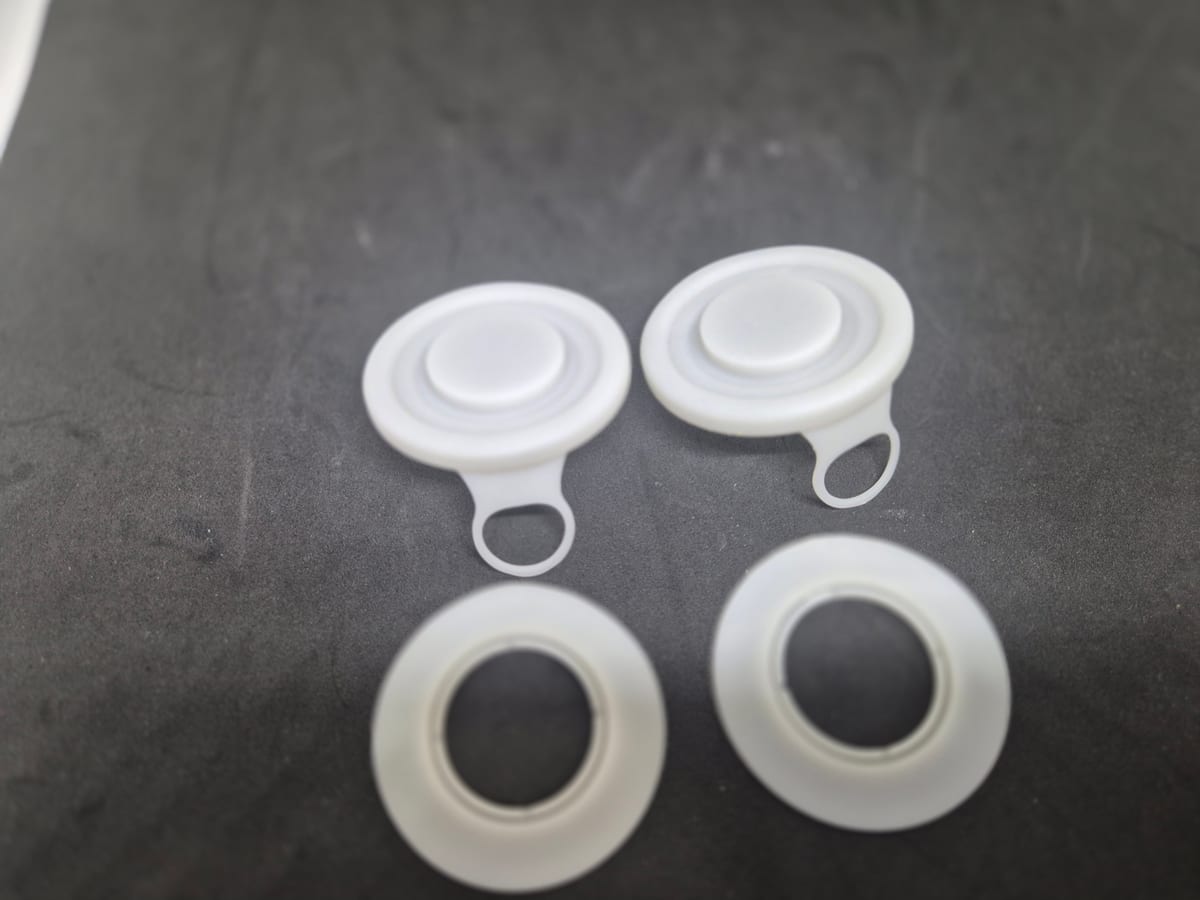
Bottle cap prototype
DLP · White resin
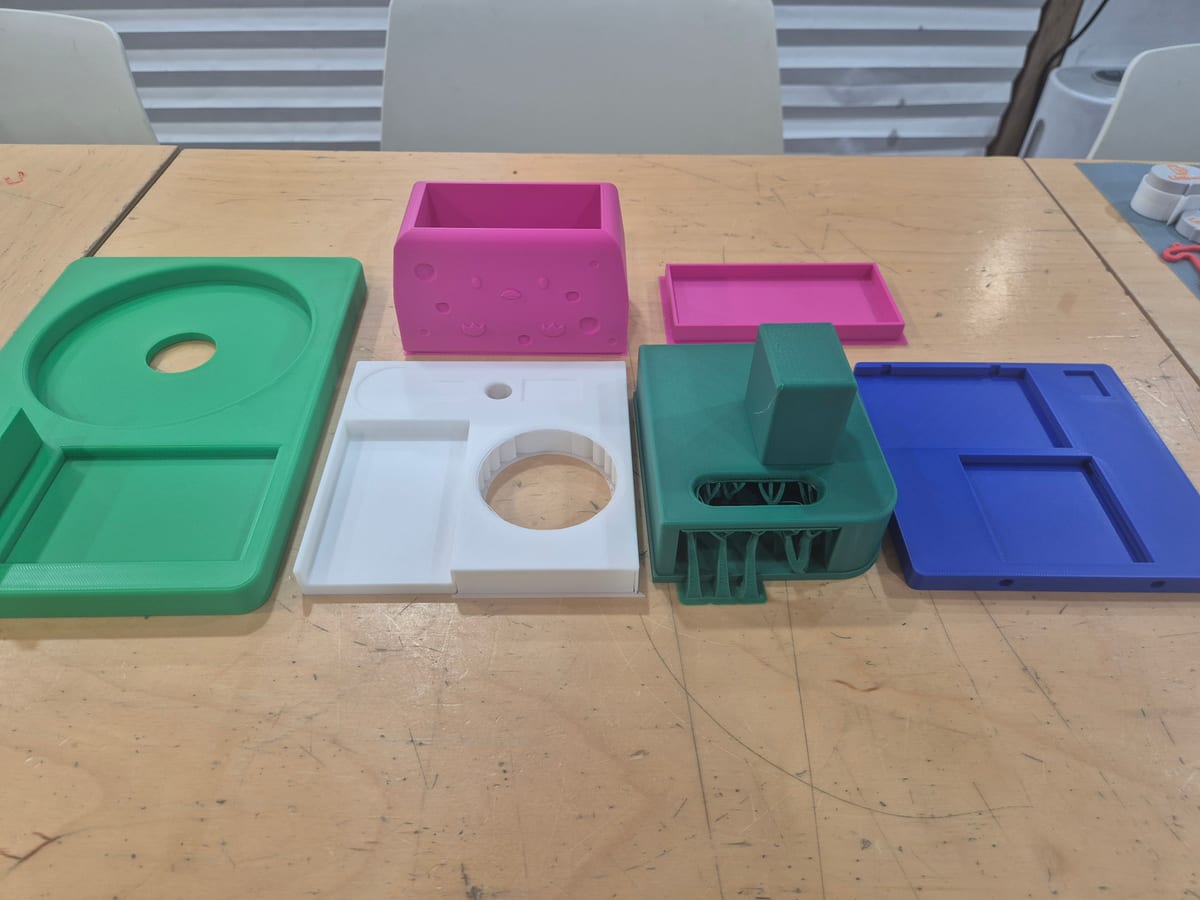
Arduino product enclosure
FDM · PLA
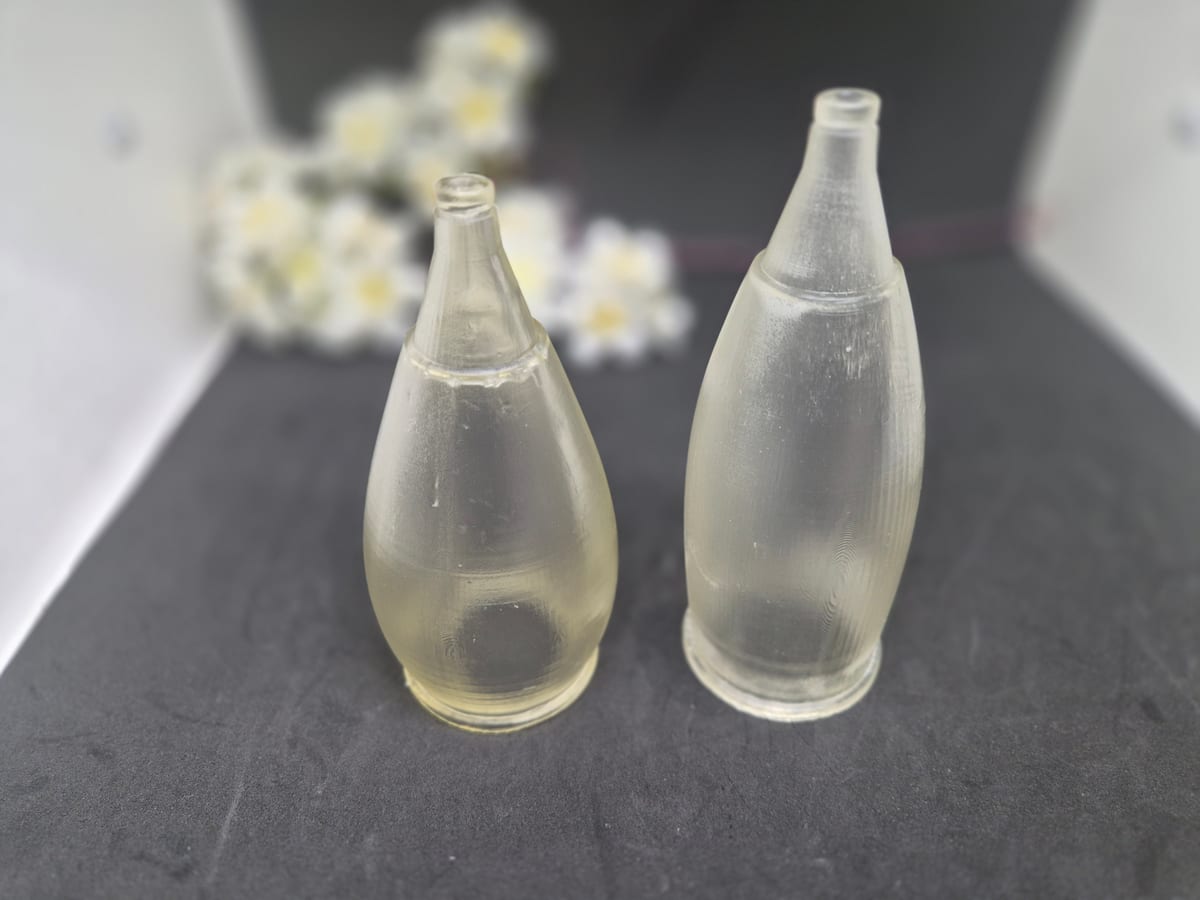
Clear bottle prototype
DLP · Clear resin
Prompt Checklist
Follow these four tips for more reliable results.
Give L×W×H and thickness in mm.
Units in mm
Diameter, count, spacing and which face.
Include position
Use a new model for unrelated parts; ask for mating parts (body + lid) together.
Mating parts together
Confirm mm in the viewer and parameter list.
Before ordering
Yes. In AI CAD Studio (/ai-cad), describe the part and its dimensions in text — AI designs STEP/STL CAD, then “Send to quote” continues to instant quote and ordering.
Mechanical parts you can describe with dimensions: brackets, flanges, spacers, enclosures and plates with bosses. Organic shapes suit photo → AI 3D; logos/badges suit AI 3D Maker; typed name tags suit Name Tag Studio.
Photo → AI 3D builds a mesh for form checks; text → AI CAD builds parametric CAD from dimensions; modeling is for drawings and strict tolerances handled by specialists.
Signed-in members get 2 free runs per day; AI generate and edit each count as one. Re-running with parameter-only changes does not use a run.
Preview, quote and order work immediately on the site. Saving STL/STEP unlocks after the print order for that model enters production.