What inputs work best for AI 3D Maker?
High-contrast text, logos and icons, or SVG, look sharpest. Colour photos and gradients can become a solid blob—prefer white background with black lines.
Real Output
Parts we printed in-house on FDM, SLA and DLP machines. See more in the print gallery.
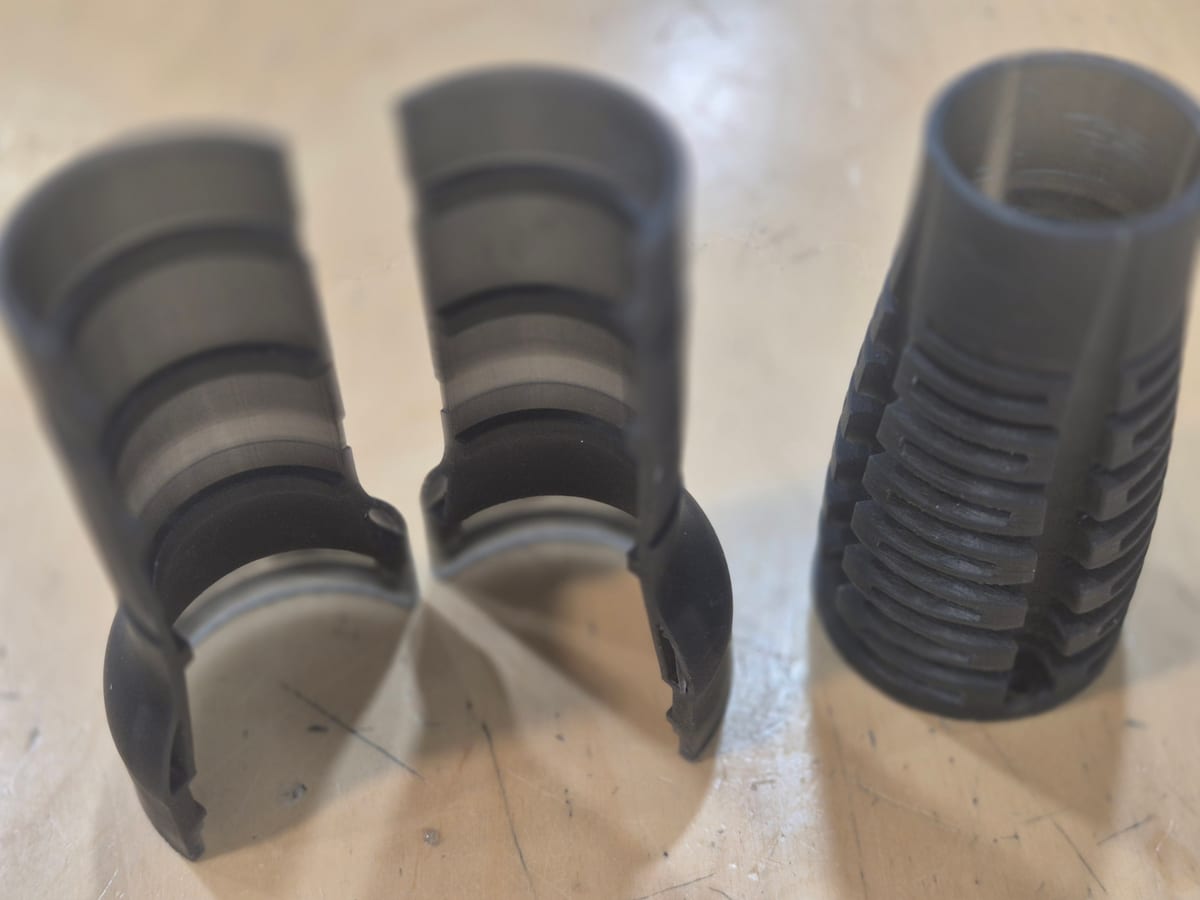
Flexible resin mechanism
DLP · Flexible resin
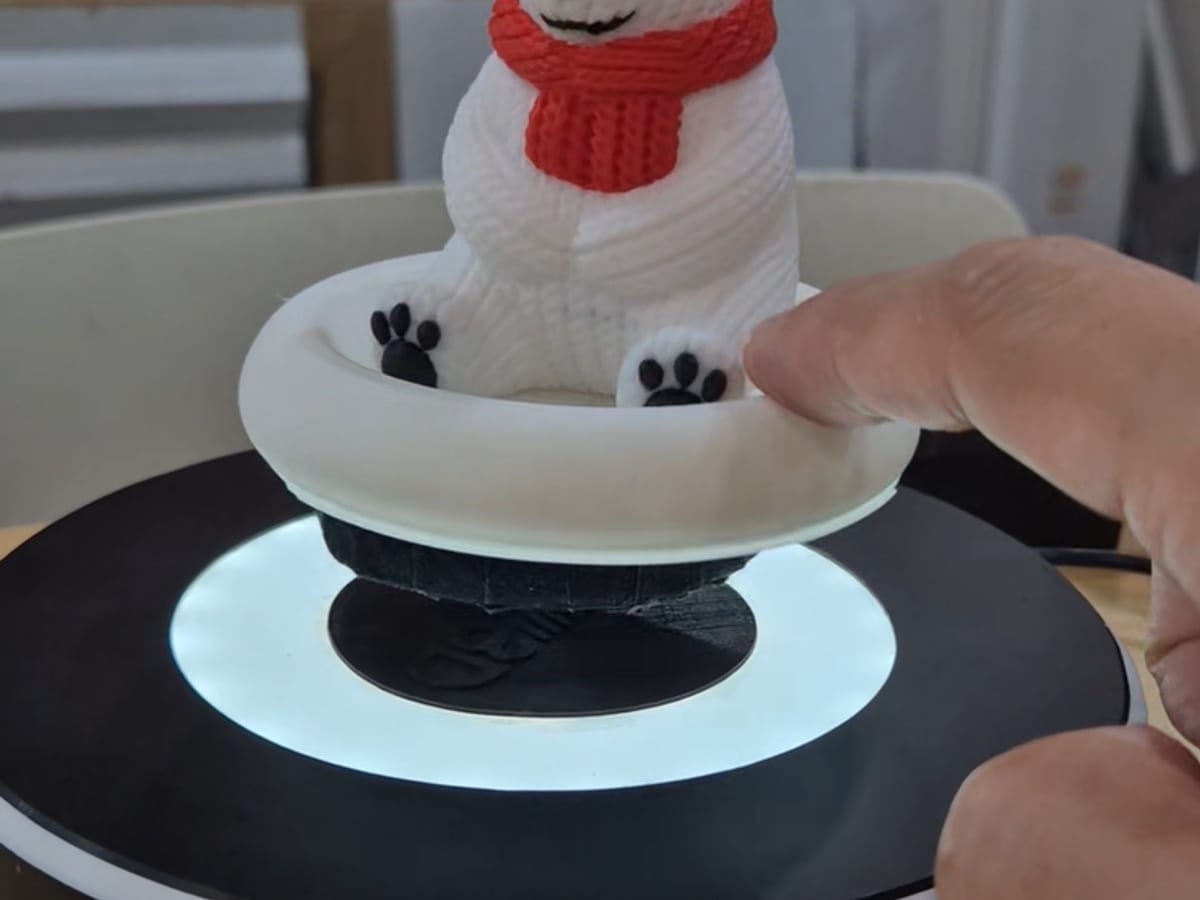
Magnetic levitation stand
FDM · PLA
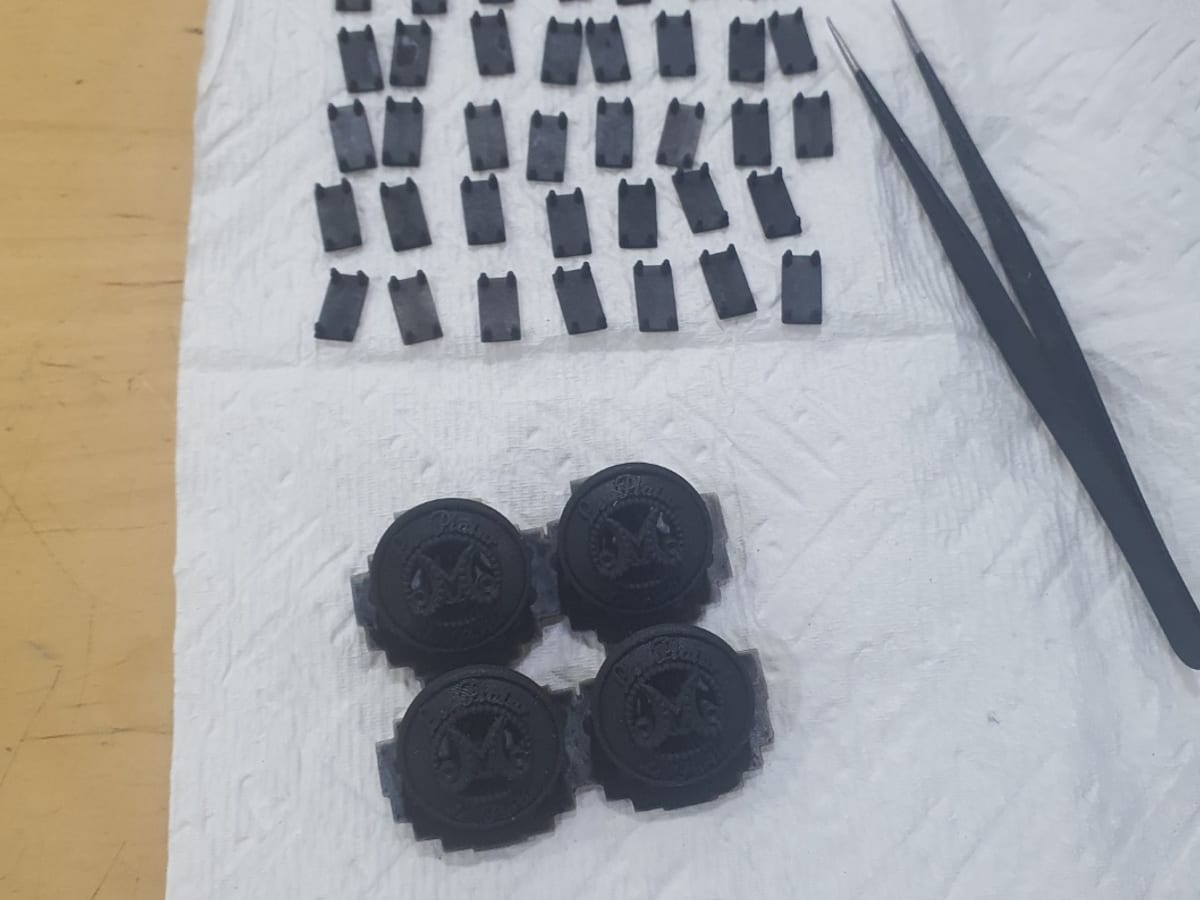
Garment buttons and jig
DLP · Black resin
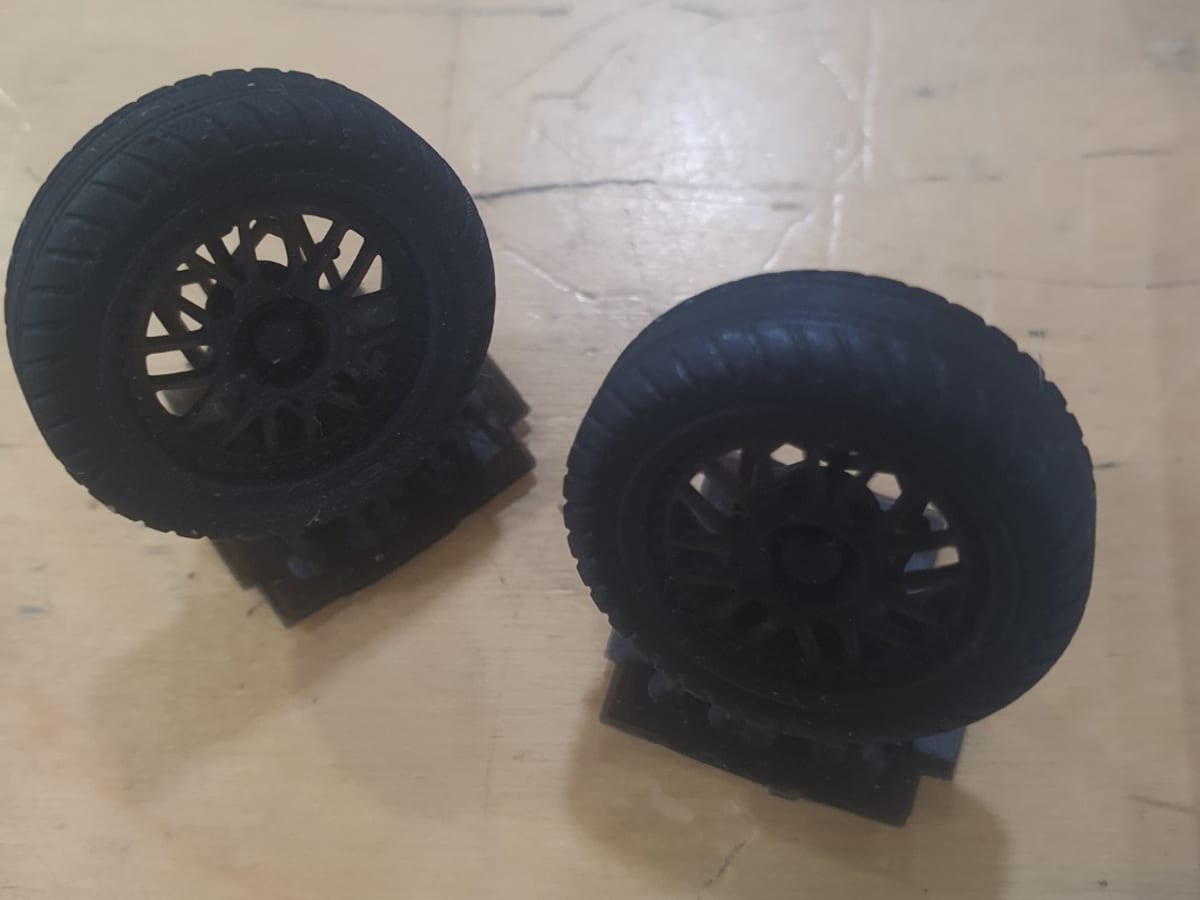
Scale model car tires
DLP · Flexible resin
High-contrast text, logos and icons, or SVG, look sharpest. Colour photos and gradients can become a solid blob—prefer white background with black lines.
AI 3D Maker is for planar silhouette extrusion (2.5D). Solid meshes from product photos use photo → AI 3D; dimensioned mechanical parts use text → AI CAD Studio (/ai-cad).
Yes—round and square badges and a Cherry MX 1U keycap style, with magnet, pin and MX stem mount options.
Use Name Tag Studio on /maker for text-first tags. Maker draw mode is for logo and sketch extrusion.
Yes. After checking the 3D result, save STL or request a quote to load it into the live quote, pick material and options, then order.